Acuity Scheduling guide
Acuity Scheduling ClickSend SMS Integration: Setup, Costs, and Limits
Connect Acuity Scheduling to ClickSend SMS with Zapier or Make: which triggers to use, what it costs, the US registration steps, and when a dedicated Acuity SMS layer is the better fit.
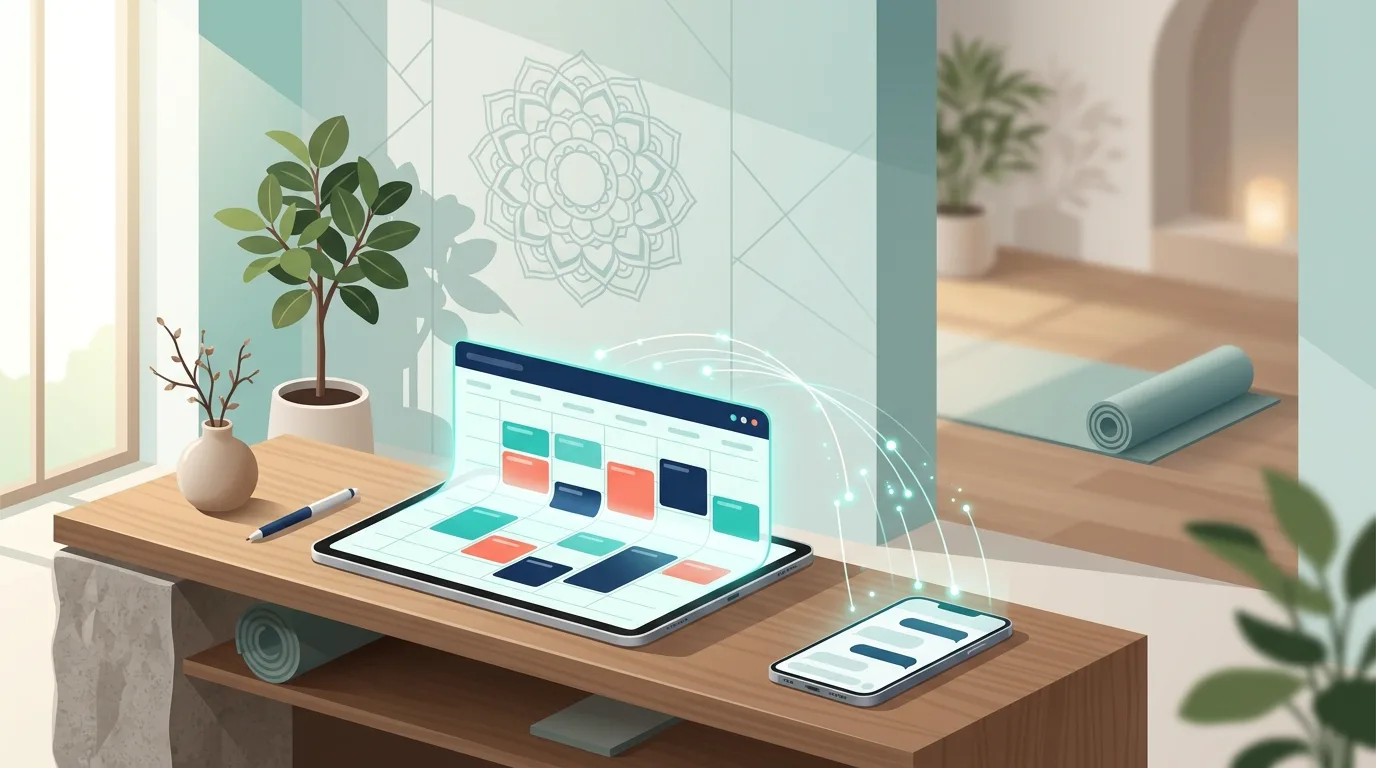
Short answer: Acuity Scheduling has no native ClickSend integration, so you connect the two through a connector such as Zapier, Make, or Integrately: an Acuity event (new, canceled, or rescheduled appointment) triggers a ClickSend "Send SMS" action. It works well for simple one-way texts, but you build and maintain the reminder timing, consent records, and reply handling yourself.
ClickSend is a pay-as-you-go business SMS gateway, now part of Sinch. Studio owners usually look at it when Acuity's built-in text reminders feel too limited: Acuity sends one text message reminder per appointment, only on the Standard and Premium plans, and replies get an automated "contact the business another way" response. This guide shows how the ClickSend route works, what it really costs, and where it stops being the simplest option. For a broader comparison of every route, see our Acuity Scheduling SMS integration guide.
Does Acuity Scheduling integrate with ClickSend?
Not directly. Acuity's built-in integrations cover calendars, payments, video meetings, and a few marketing tools, and ClickSend is not one of them. ClickSend's own Acuity Scheduling listing installs through Zapier or Integrately, and Make and viaSocket offer similar connectors. In every case, a third-party automation platform sits between Acuity and ClickSend and moves the appointment data.
| Connection method | How it works | Best for | Watch out for |
|---|---|---|---|
| Zapier | Acuity trigger, ClickSend "Send SMS" action, ready-made templates | Fastest no-code setup | Task-based pricing; "time before" triggers poll every 15 minutes on the Free plan |
| Make | Visual scenario with routers, filters, and delays | Branching logic per appointment type | More setup time; you maintain each scenario |
| Integrately or viaSocket | One-click templates for common Acuity to ClickSend flows | Low-volume, single-purpose texts | Fewer advanced options than Zapier or Make |
| Acuity API + ClickSend API | Your own code receives Acuity webhooks and calls ClickSend's REST API | Developers who want full control | You build scheduling, retries, opt-outs, and logging |
How do you connect Acuity Scheduling to ClickSend with Zapier?
Zapier is the most common route because it has ready-made templates such as "Send ClickSend SMS messages for new appointments in Acuity Scheduling" and "Send SMS alerts for canceled Acuity Scheduling appointments."
- Prepare ClickSend. Create an account, add credit, and set up a sender. For US recipients that means a registered 10DLC number or a verified toll-free number (more on this below).
- Collect phone numbers in Acuity. Make the phone field required on the appointment types you want to text, and ask clients to include a country code so numbers can be sent in international format.
- Choose the Acuity trigger. Pick "New Appointment" for confirmations, "Appointment Canceled" or "Appointment Rescheduled" for change notices, or "Appointment Start" with a "time before" value for reminders. You can filter by calendar and appointment type.
- Add the ClickSend action. Use "Send SMS," map the client's phone number to the recipient, and build the message from Acuity fields such as first name, date, time, and appointment type.
- Add a filter step. Skip appointments without a phone number or without SMS consent, so the Zap does not fail or text people who did not agree to it.
- Test with your own number. Book a test appointment, then cancel and reschedule it to confirm every Zap fires once and only once.
- Turn off overlapping Acuity text reminders. Otherwise clients get two texts from two different numbers for the same booking.
Which Acuity events can trigger a ClickSend text?
| Acuity trigger | ClickSend message | Example text |
|---|---|---|
| New appointment | Booking confirmation | "Hi Ana, you're booked for Vinyasa Flow on Thu at 6 PM. Reply STOP to opt out." |
| Appointment start, time before | Reminder (one Zap per reminder) | "Reminder: Vinyasa Flow tomorrow at 6 PM. Need to change it? Use the link in your confirmation email." |
| Appointment rescheduled | Updated time notice | "Your class has moved to Fri at 7 AM. See you then." |
| Appointment canceled | Cancellation confirmation or rebooking nudge | "Your Thu 6 PM class is canceled. Book another time on our scheduling page." |
| New product order | Package or gift card receipt | "Thanks! Your 10-class pack is ready to use." |
Rescheduled appointments deserve extra care because a reminder Zap may already be queued for the old time. Our guide to Acuity reschedule texts covers how to avoid sending stale reminders.
How much does an Acuity and ClickSend setup cost?
You pay three separate bills: Acuity, the connector, and ClickSend. ClickSend has no monthly subscription; you buy credit and pay per message segment, with lower rates on larger top-ups. An independent review of ClickSend's US pricing page in September 2026 recorded 2.92 cents per message on the smallest top-up, falling below 1 cent only at a $2,000 enterprise top-up, plus number rental. Check ClickSend's current pricing before you budget.
- Message length matters. A standard SMS segment holds 160 characters. Emoji and some special characters switch the message to Unicode, which drops the limit to 70 characters and can double or triple the segments you pay for.
- Carrier fees apply. US carriers add pass-through surcharges per message on 10DLC and toll-free traffic, on top of the gateway rate.
- Connector tasks add up. Each confirmation, reminder, and cancellation text is a separate task in Zapier or an operation in Make, so a three-message sequence for 400 bookings a month is roughly 1,200 tasks.
What do you need for US text messaging compliance?
Business texts to US numbers must go out from a registered sender. Since early 2025, major US carriers block unregistered 10DLC traffic, so register your brand and campaign through ClickSend (or verify a toll-free number) before your first live send. Approval can take from a few days to several weeks.
Consent is your responsibility too. Acuity's own text reminders only go to clients who opted in for that appointment, but a Zapier or Make flow sends to whatever number it receives unless you add a consent check. Record consent in an intake form question, include "Reply STOP to opt out" in your first message, and honor opt-outs everywhere you text from. Our Acuity SMS opt-in guide has sample consent wording.
What are the limits of the ClickSend route for studios?
For a solo practitioner sending a confirmation and a reminder, Acuity plus ClickSend through Zapier is a reasonable setup. Class-based businesses usually hit these limits:
- Replies go to ClickSend, not to your workflow. ClickSend supports two-way messaging, but a client who texts "running late" or "need to cancel" lands in the ClickSend inbox. Nothing updates in Acuity unless you build that flow too.
- Every reminder is another automation. A day-before and a two-hour reminder means two time-based Zaps per appointment type, each with its own filters and failure points.
- No class waitlist logic. When a seat opens in a full class, ClickSend has no idea who is waiting for it. Acuity's native class waitlist texts matching clients, but the text cannot be customized.
- Debugging is spread across three tools. A missing text could be an Acuity field, a Zap filter, a ClickSend sender issue, or a carrier block.
ClickSend vs Acuity native SMS vs Aculio
| Capability | Acuity native SMS | Acuity + Zapier + ClickSend | Acuity + Aculio |
|---|---|---|---|
| Reminders per appointment | One text | As many as you build | Confirmation, day-before, and two-hour reminders |
| Client replies | Automated "contact us another way" response | Received in ClickSend, not acted on | Replies inbox with YES / CANCEL / LATE keyword handling |
| Class waitlist alerts | Native text, not customizable | Not available without custom build | SMS or email reopen alerts to everyone on the waitlist |
| Opt-out handling | Built in | ClickSend opt-outs, plus your own filters | STOP and UNSUBSCRIBE handled and flagged for staff |
| SMS sender | Number assigned by Acuity | Your ClickSend number | Your own Twilio sender |
| Setup effort | Toggle in settings | Several Zaps plus sender registration | Connect Acuity and Twilio, choose appointment types |
Aculio does not send through ClickSend. It is built for Acuity and sends from your own Twilio sender, so if you are not tied to ClickSend, Acuity SMS automation with Aculio replaces the chain of Zaps with one dashboard: reminders for the appointment types you select, delivery tracking, a two-way replies inbox, and class waitlist alerts. If you already rely on ClickSend for other messaging, the Zapier route above is the practical way to keep it.
Frequently asked questions
Is there a native ClickSend integration in Acuity Scheduling?
No. Acuity does not list ClickSend among its built-in integrations. You connect them through Zapier, Make, Integrately, viaSocket, or your own code using both APIs.
Can ClickSend send Acuity appointment reminders?
Yes. Use Zapier's Acuity "Appointment Start" trigger with a "time before" value and a ClickSend "Send SMS" action. Build one Zap per reminder time, and on Zapier's Free plan expect the trigger to check for new data every 15 minutes.
Can clients reply to ClickSend texts sent from Acuity bookings?
Clients can reply when you send from a dedicated number, and replies appear in ClickSend. They do not update the Acuity appointment unless you build a separate automation for inbound messages.
Is ClickSend cheaper than Acuity's built-in text reminders?
Acuity's single text reminder is included in its Standard and Premium plans with no per-message fee, so it is cheaper for one reminder. ClickSend adds per-message, number, and carrier costs, plus connector fees, in exchange for more messages and more control.
Should I use ClickSend or Twilio with Acuity?
Both are SMS gateways that connect to Acuity through Zapier or an API. ClickSend has a friendlier dashboard for non-developers, while Twilio is the more common choice for developer-built and specialized tools, including Aculio.
Pick the simplest setup that covers your messages
If you need one confirmation text, Acuity plus ClickSend through Zapier is fine. If you run classes and want multi-step reminders, replies you can act on, and waitlist alerts without maintaining a stack of Zaps, start a 14-day free trial of Aculio or compare plans on the pricing page.