Acuity Scheduling guide
Acuity Scheduling Flodesk Integration: Add Clients to Segments
Acuity has no native Flodesk integration. Here's how to add new Acuity clients to Flodesk segments with Zapier, what to map, and why marketing emails should not replace appointment reminders.

Short answer: Acuity Scheduling has no native Flodesk integration, but Zapier offers a ready-made Acuity trigger that creates a Flodesk subscriber from each new appointment, and you can place them in a segment that starts an email workflow. Flodesk is built for marketing emails, so keep appointment reminders and waitlist offers in a separate, booking-aware channel.
Flodesk is popular with coaches, photographers, and wellness studios that want branded newsletters and welcome sequences. This guide shows how to connect it to Acuity, which fields to send, and where the connection stops being useful.
Does Acuity Scheduling integrate with Flodesk?
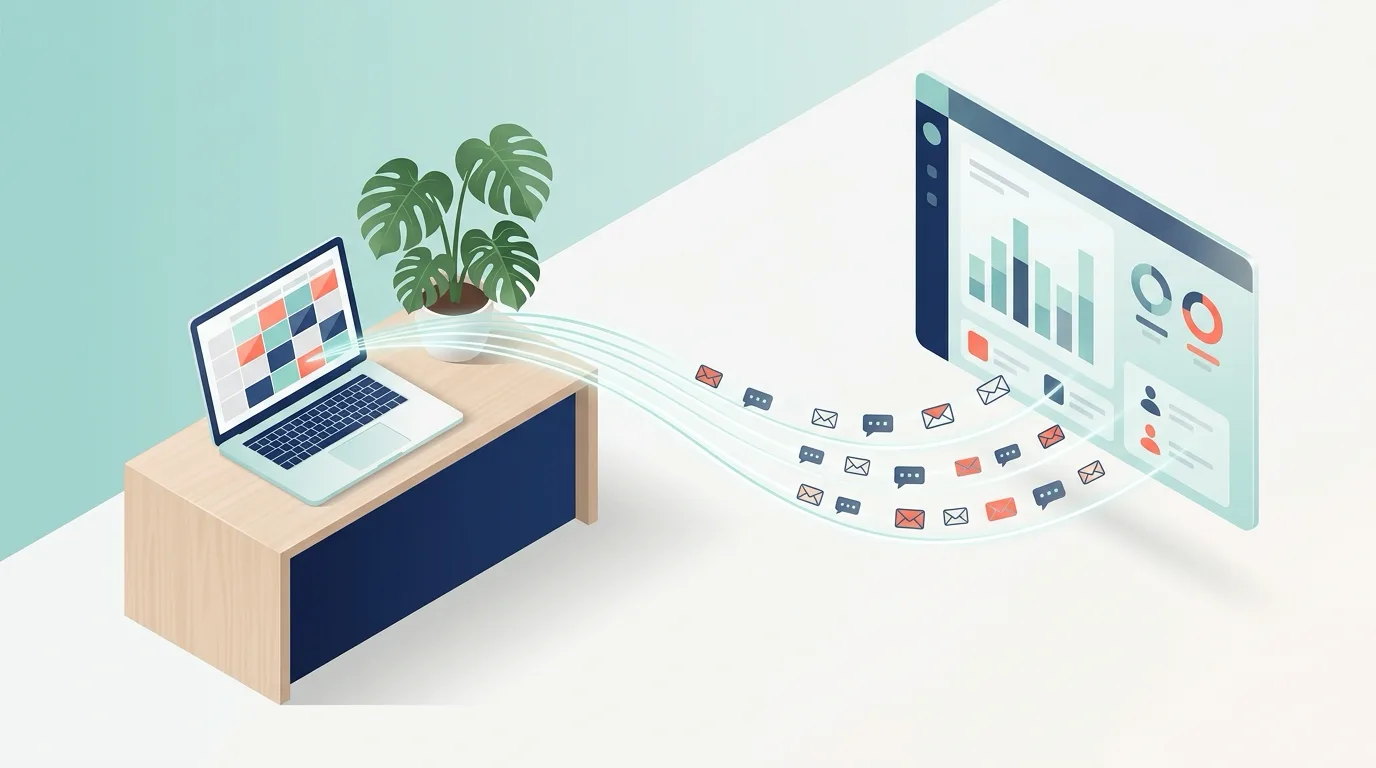
Not natively. Flodesk is not in Acuity's built-in integrations list, so the connection runs through a connector. Zapier lists a template named "Create subscribers in Flodesk from new appointments in Acuity Scheduling", and Flodesk's Zapier app can create or update a subscriber with an email address and a segment.
| Method | How it works | Best for | Trade-off |
|---|---|---|---|
| Zapier | Acuity New Appointment trigger, then Flodesk subscriber action | Fastest no-code setup | Paid per task at higher volume |
| Make or Integrately | Scenario with filters by appointment type | Different segments per service | More setup and upkeep |
| Acuity webhooks + Flodesk API | Your server receives the webhook and calls the Flodesk API | Full control over data | Needs a developer and hosting |
How to add new Acuity clients to Flodesk
- In Zapier, choose Acuity Scheduling as the trigger app and select New Appointment.
- Connect your Acuity account and test the trigger with a sample booking.
- Choose Flodesk as the action app and pick the action that creates or updates a subscriber.
- Map the client email from the appointment, and choose the segment, for example "New clients" or one segment per class type.
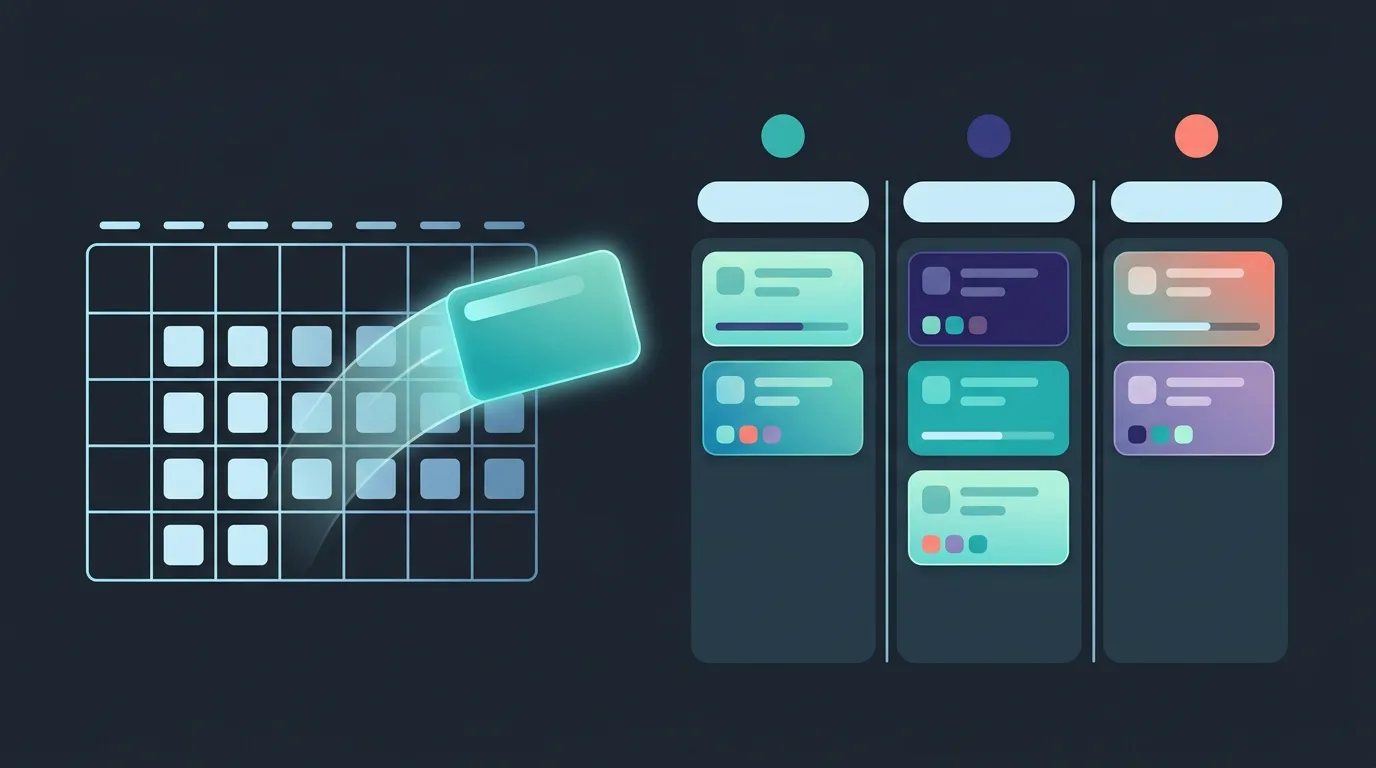
- In Flodesk, build a workflow that starts when a subscriber joins that segment, such as a welcome email and a first-visit guide.
- Book a test appointment and confirm the subscriber and workflow fire once.
Consent comes first
Booking an appointment is not the same as agreeing to marketing emails. Add a checkbox to the Acuity intake form and use a Zapier filter so only clients who tick it are sent to Flodesk. Transactional messages about the booking itself can go to everyone; newsletters cannot.
What to send and what to segment on
- Email and first name: the minimum for a personal welcome email.
- Appointment type: route yoga, workshop, and private session clients to different segments.
- Intake answers: goals or experience level can drive tailored follow-ups.
- Canceled appointments: use the Canceled Appointment trigger to move a client to a win-back segment.
Where Flodesk stops
| Need | Flodesk via Zapier | Appointment-focused tool |
|---|---|---|
| Welcome and nurture emails | Good fit | Not the focus |
| Text reminders before a class | No | Yes |
| Two-way replies that update the booking | No | Yes |
| Waitlist offers when a spot opens | No | Yes |
Flodesk sends campaigns on a schedule you set; it does not know when a seat opens or a client replies "C" to cancel. For those jobs, see setting up Acuity SMS reminders and the Acuity Scheduling SMS integration guide. If you also use Klaviyo, compare it in the Acuity Klaviyo integration guide.
Frequently asked questions
Is there a native Flodesk integration in Acuity Scheduling?
No. Connect them through Zapier, Make, Integrately, or Acuity webhooks and the Flodesk API.
Can Acuity add a Flodesk subscriber for every new appointment?
Yes. Zapier has a template that creates Flodesk subscribers from new Acuity appointments. Add a consent filter first.
Can I use Flodesk for appointment reminders?
It is not designed for that. Reminders need to be tied to the booking time and support replies, which an Acuity-connected tool such as Aculio handles.
Use Flodesk for marketing, and a booking tool for clients
Let Flodesk handle welcome sequences and newsletters, and keep reminders, replies, and waitlist offers tied to the Acuity appointment. To cut no-shows and fill empty class seats, start a 14-day free trial of Aculio or compare plans on the pricing page.